Official Support
ImaKoko - IM HERE!
Tell someone “I’m here” in seconds. This official support page explains current-location display, sharing, Google Maps and Apple Maps integration, location permission, privacy, and troubleshooting.
How to Use / FAQ
Learn about location display, SMS, sharing, and map-app integration.
Privacy
See how location information is accessed, handled, and shared with external services.
Contact
Contact support by email for questions or troubleshooting.
Three Simple Steps
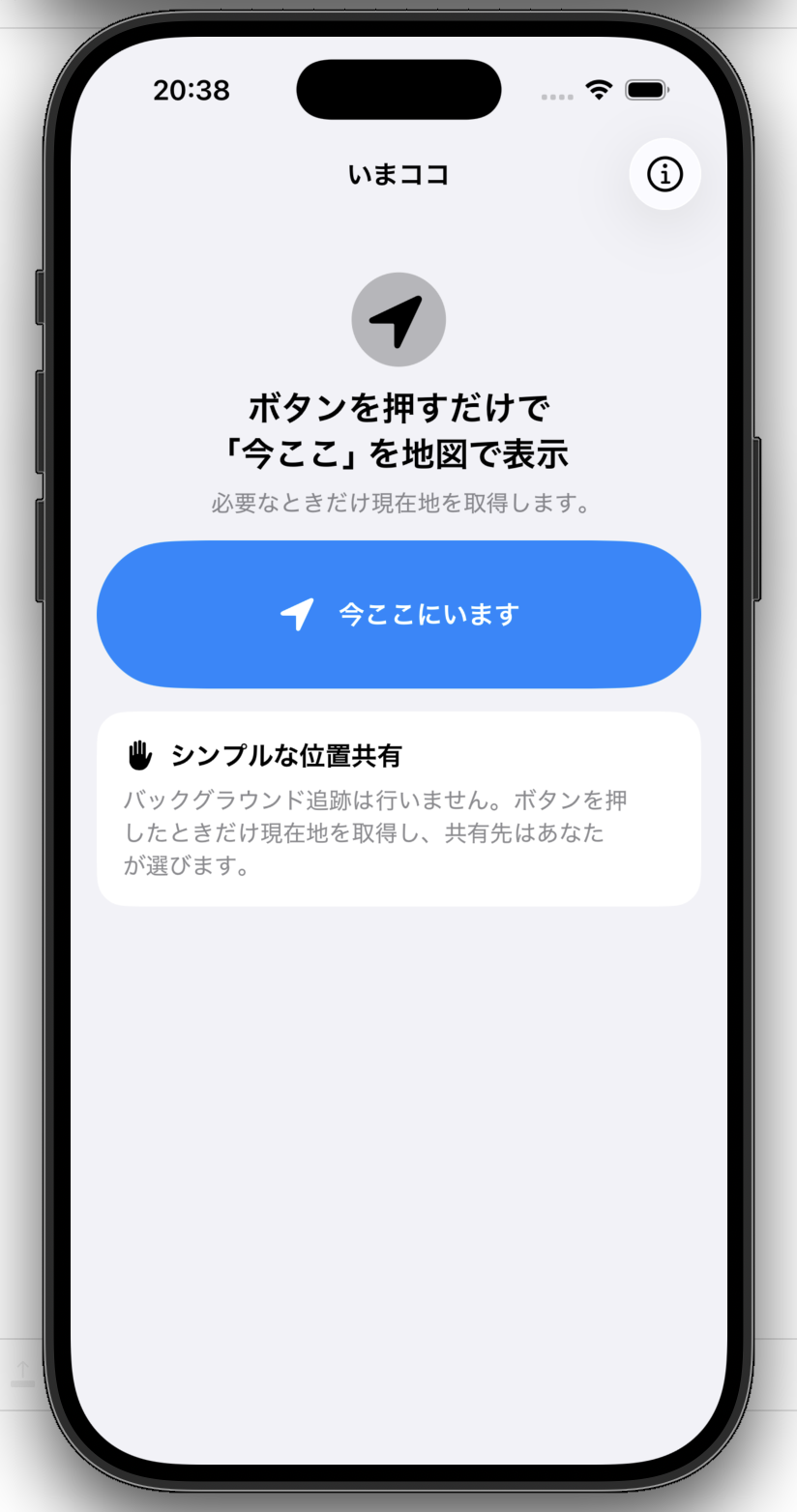
1. Tap “I’m Here”
Your current location is accessed only when needed.
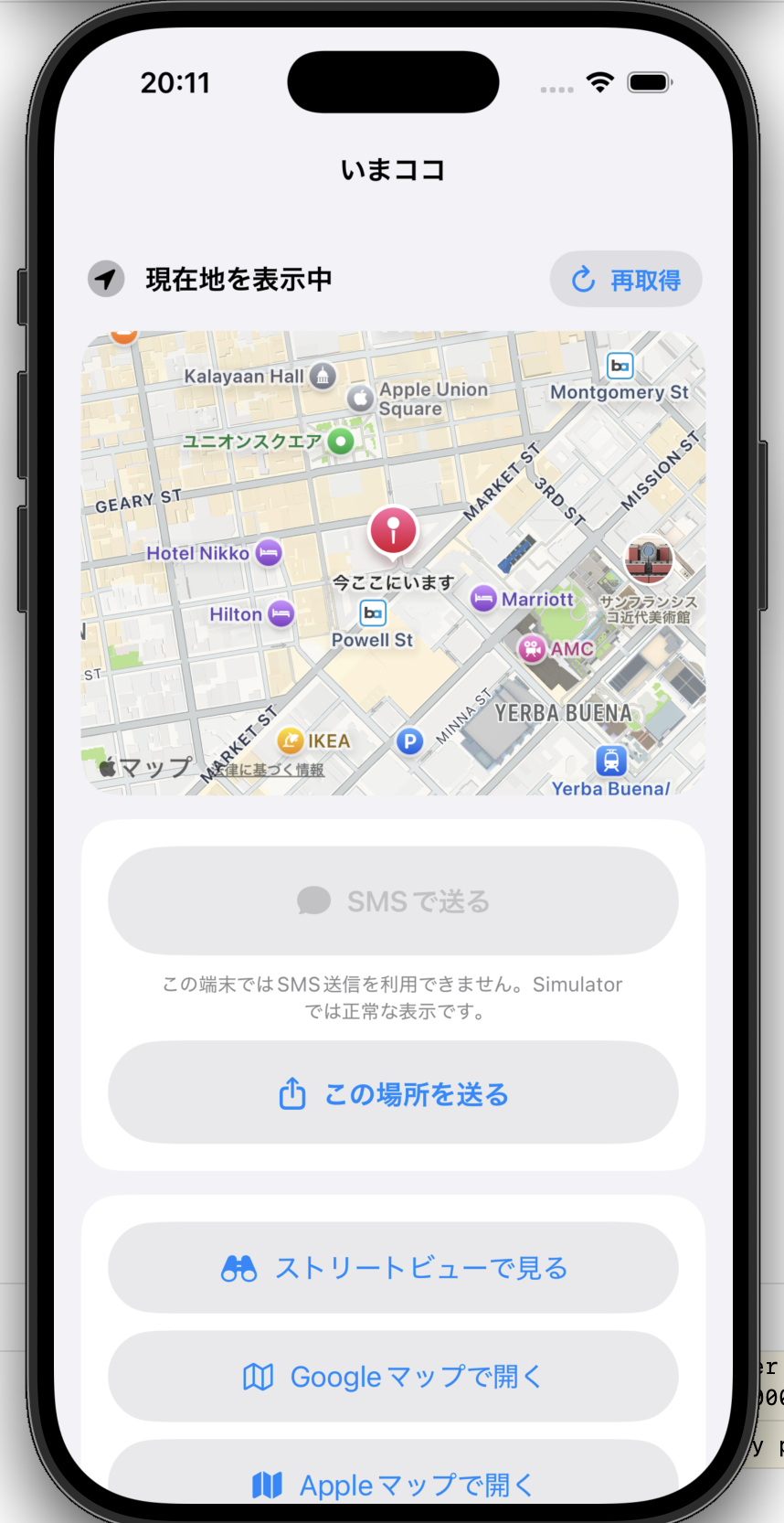 2. Confirm your location
Check “I’m here” on the map and continue to sharing or map services.
2. Confirm your location
Check “I’m here” on the map and continue to sharing or map services.
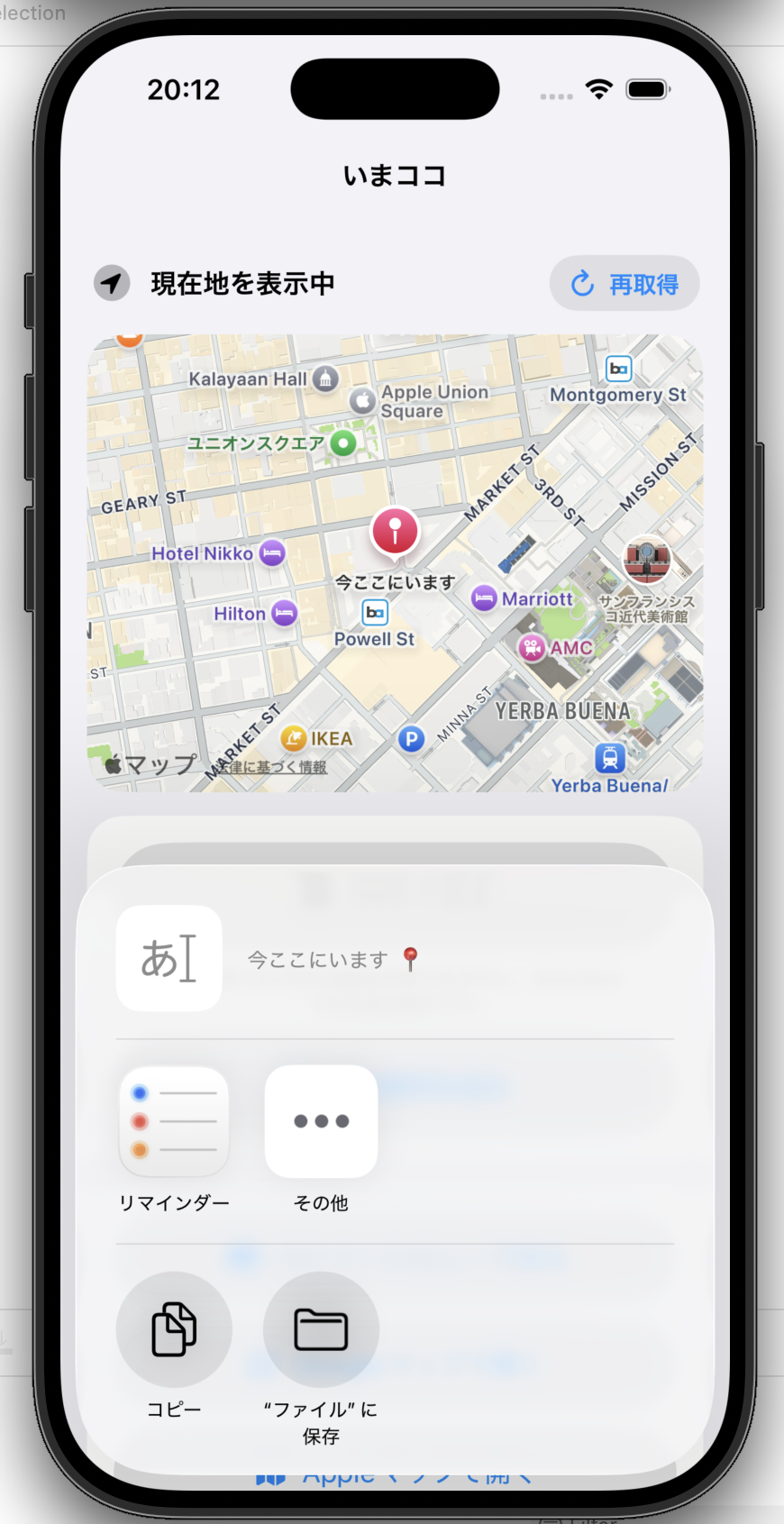 3. Choose where to share
Select the recipient or app you want to use from the standard iOS share sheet.
3. Choose where to share
Select the recipient or app you want to use from the standard iOS share sheet.
Check Your Current Location
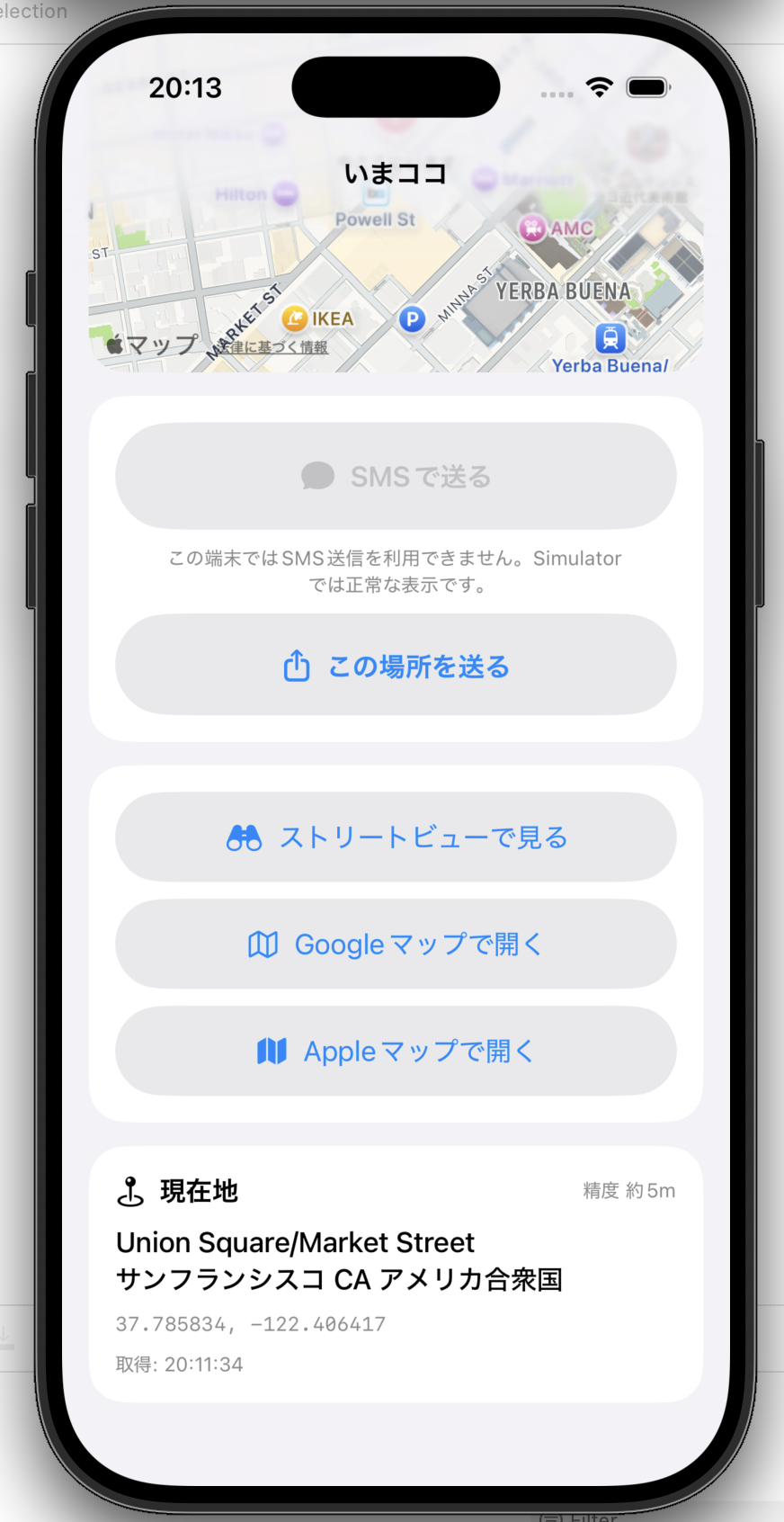
Location access only when needed
ImaKoko accesses your current location when you tap the location button. It does not continuously track your location in the background.
More Details
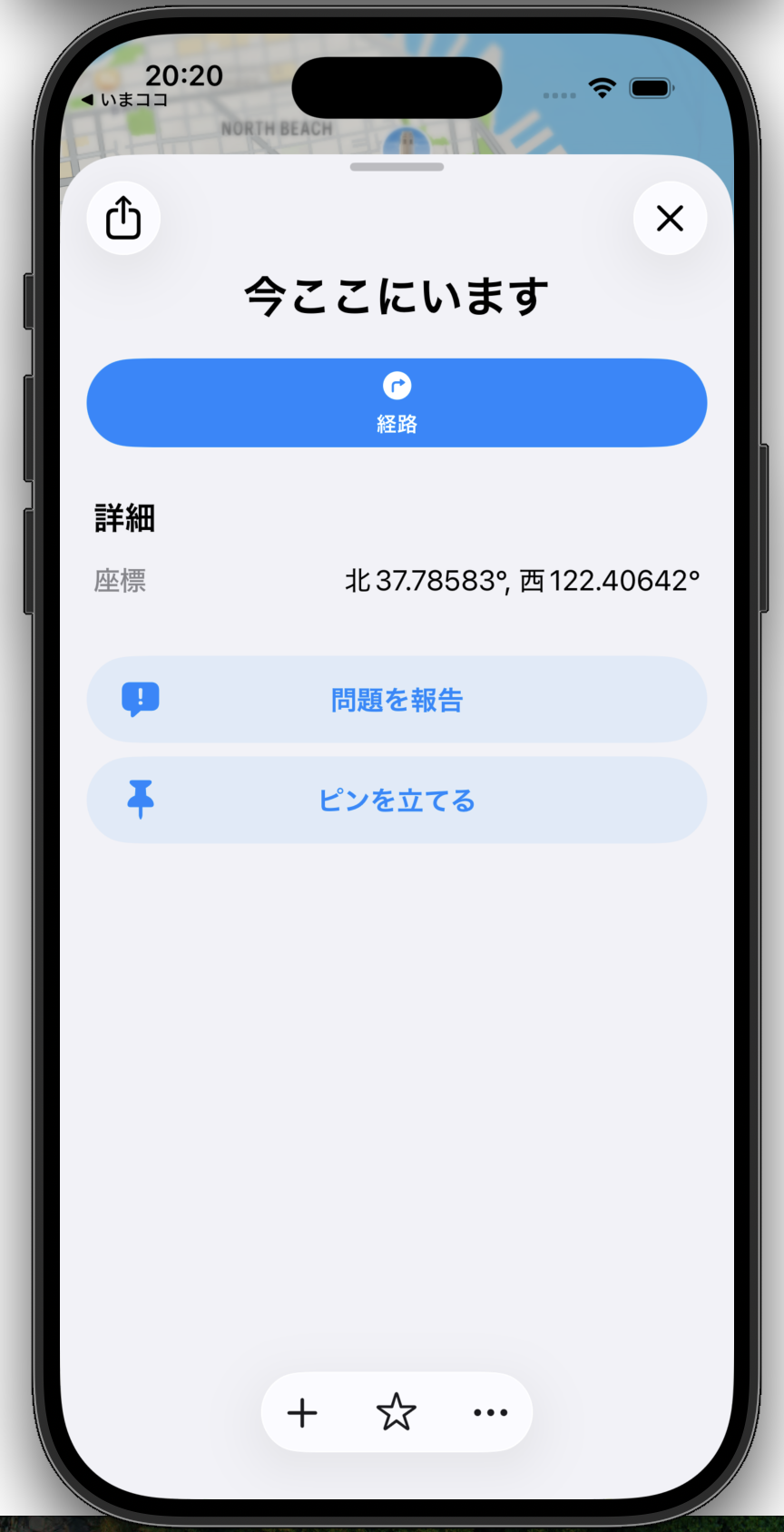
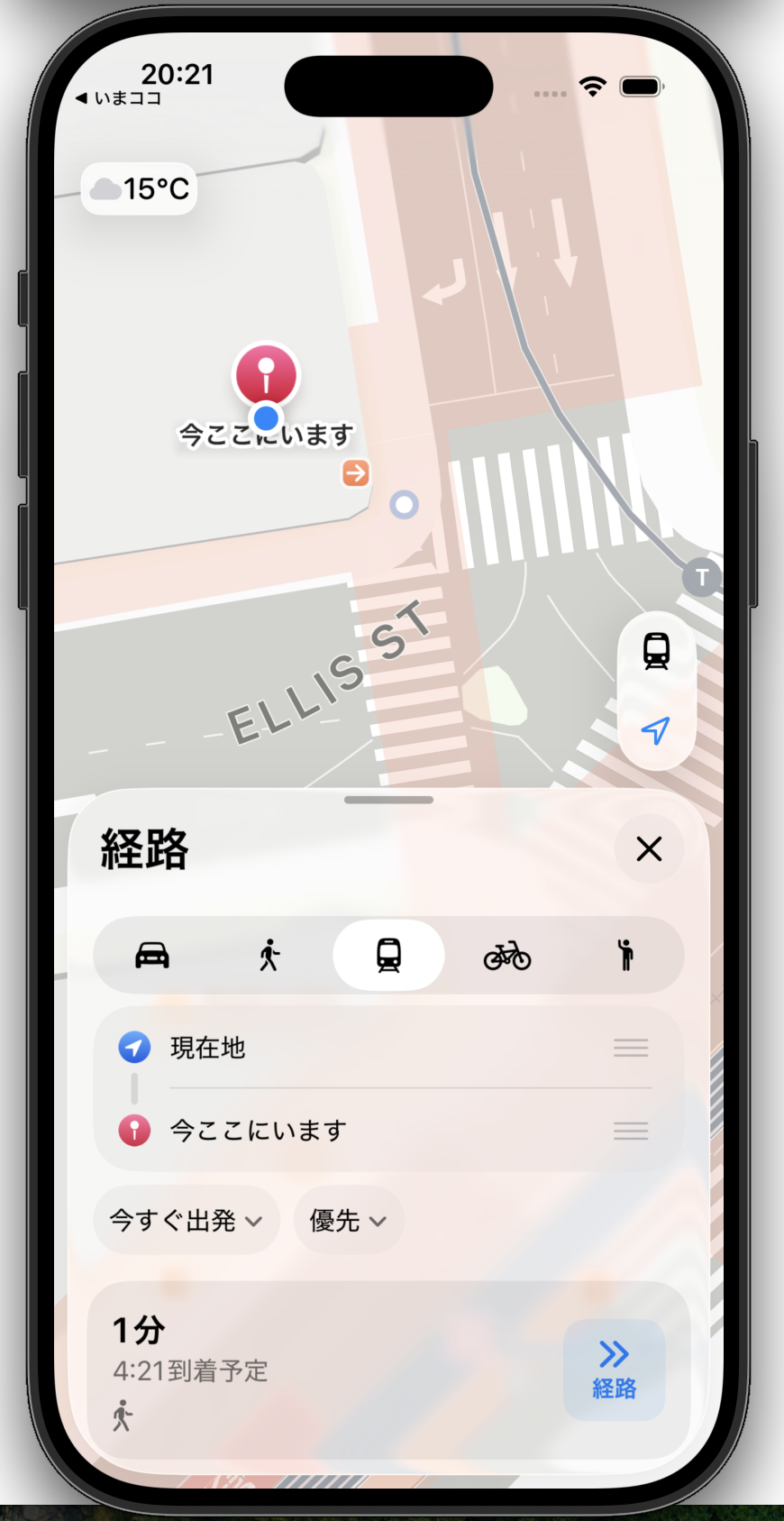
Privacy
The app does not continuously track your location in the background, does not keep an in-app location history, and does not send or store your location on servers controlled by the app operator. See the Privacy Policy for details.