Support / How to Use
This page explains the basic workflow, location permission, SMS, sharing, and map app integration.
Basic Usage
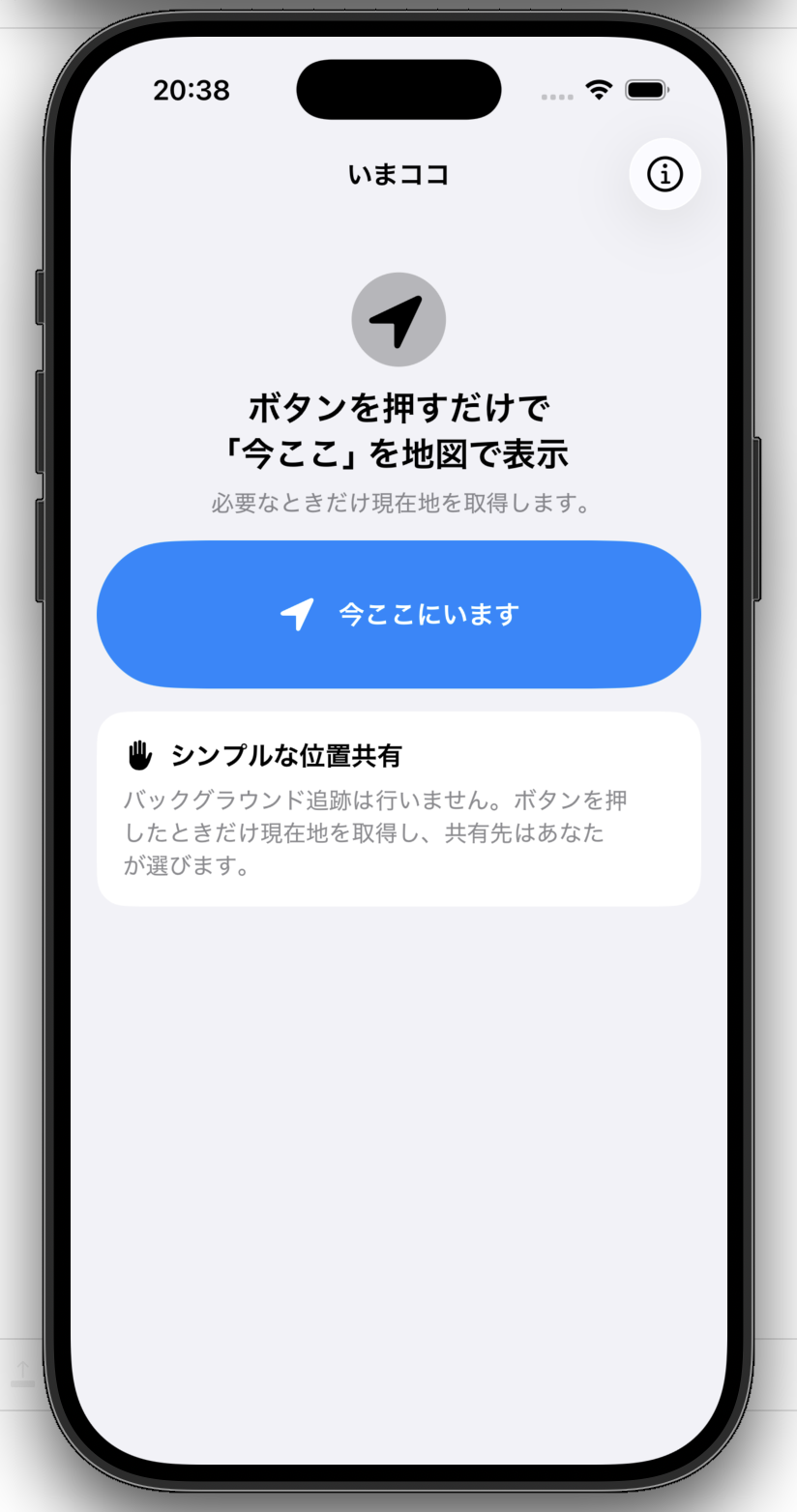 1. Tap “I’m Here”
The app accesses your current location only when needed and opens the map screen.
1. Tap “I’m Here”
The app accesses your current location only when needed and opens the map screen.
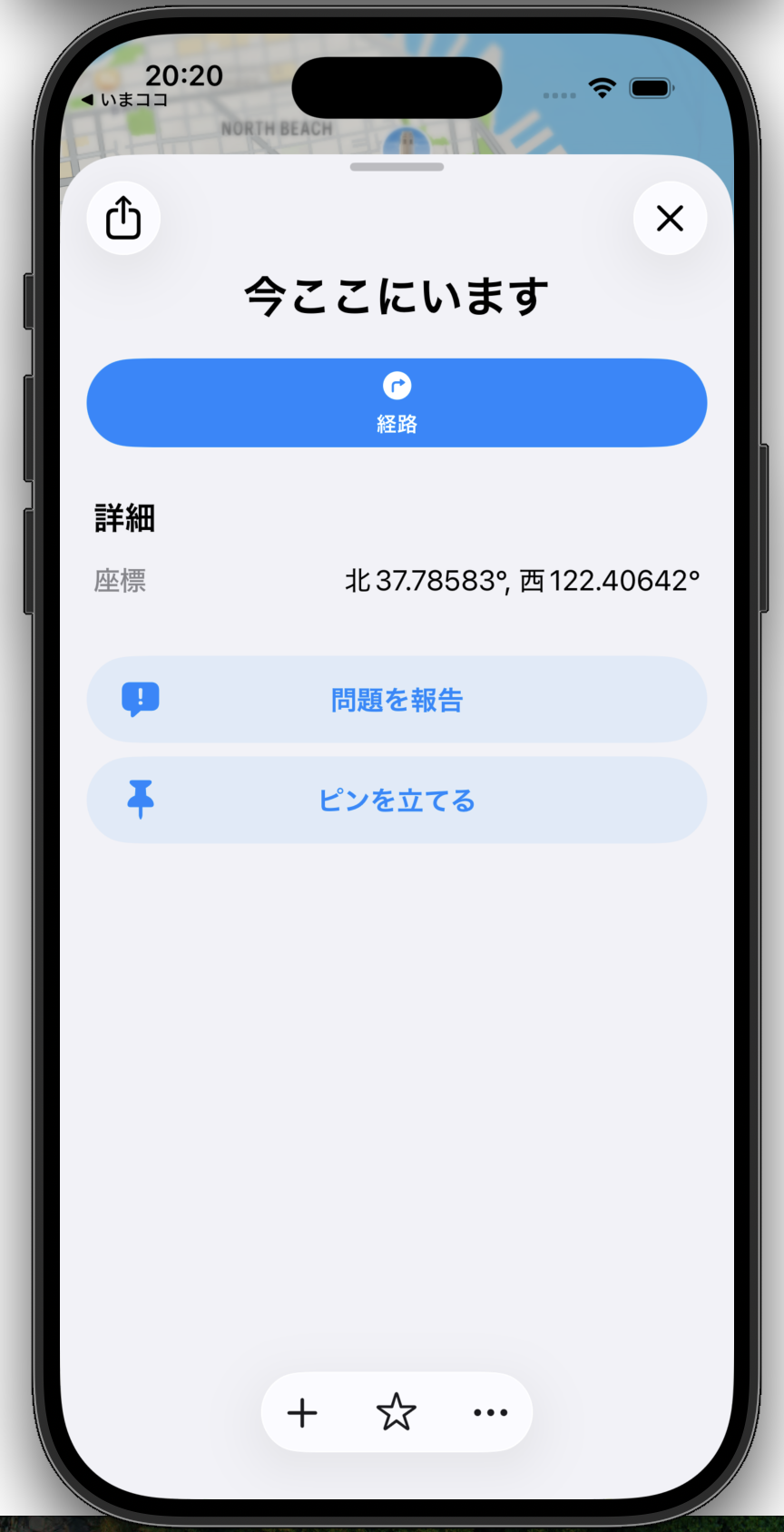
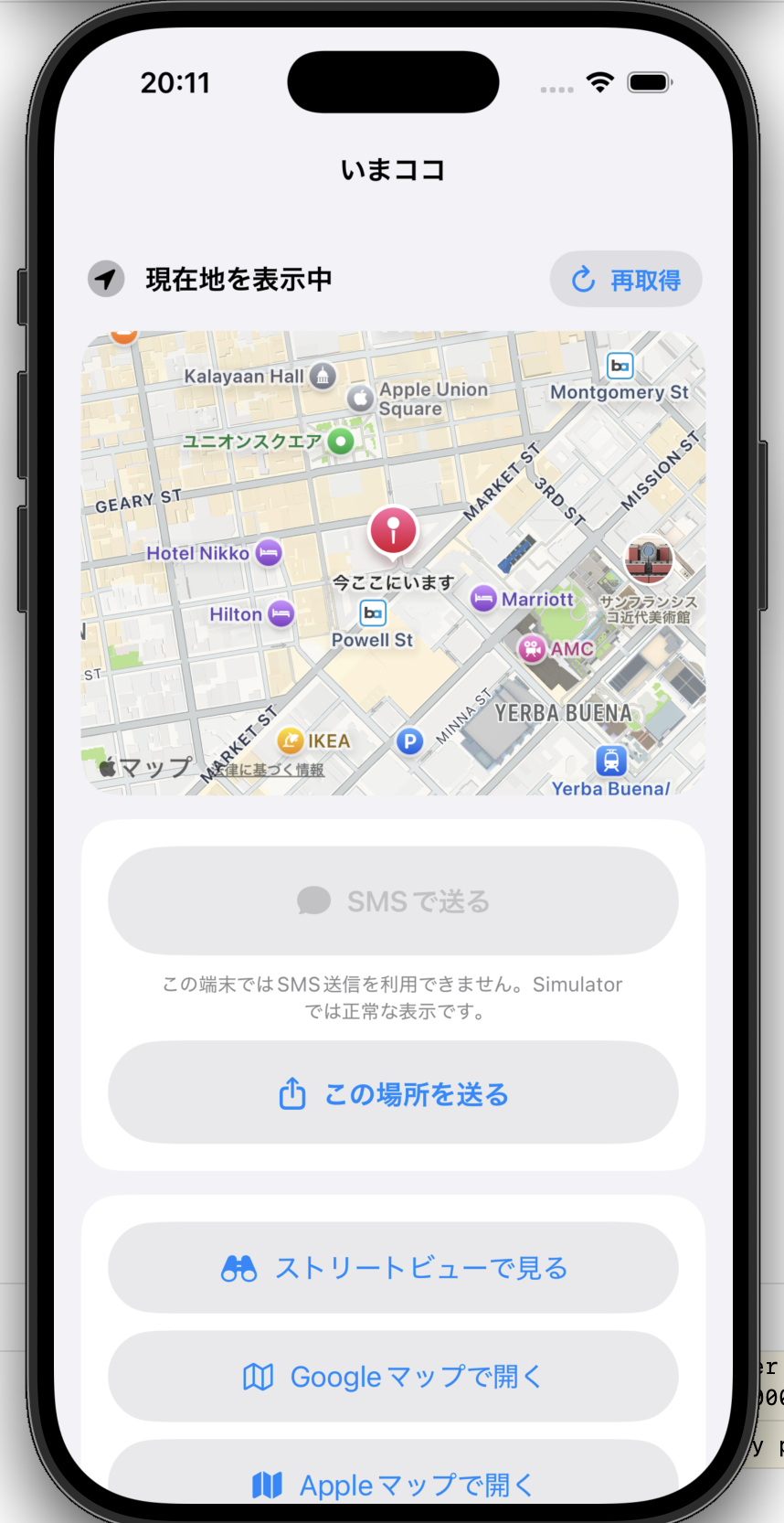 2. Confirm your location
Check the map, then continue to sharing or an external map service.
2. Confirm your location
Check the map, then continue to sharing or an external map service.
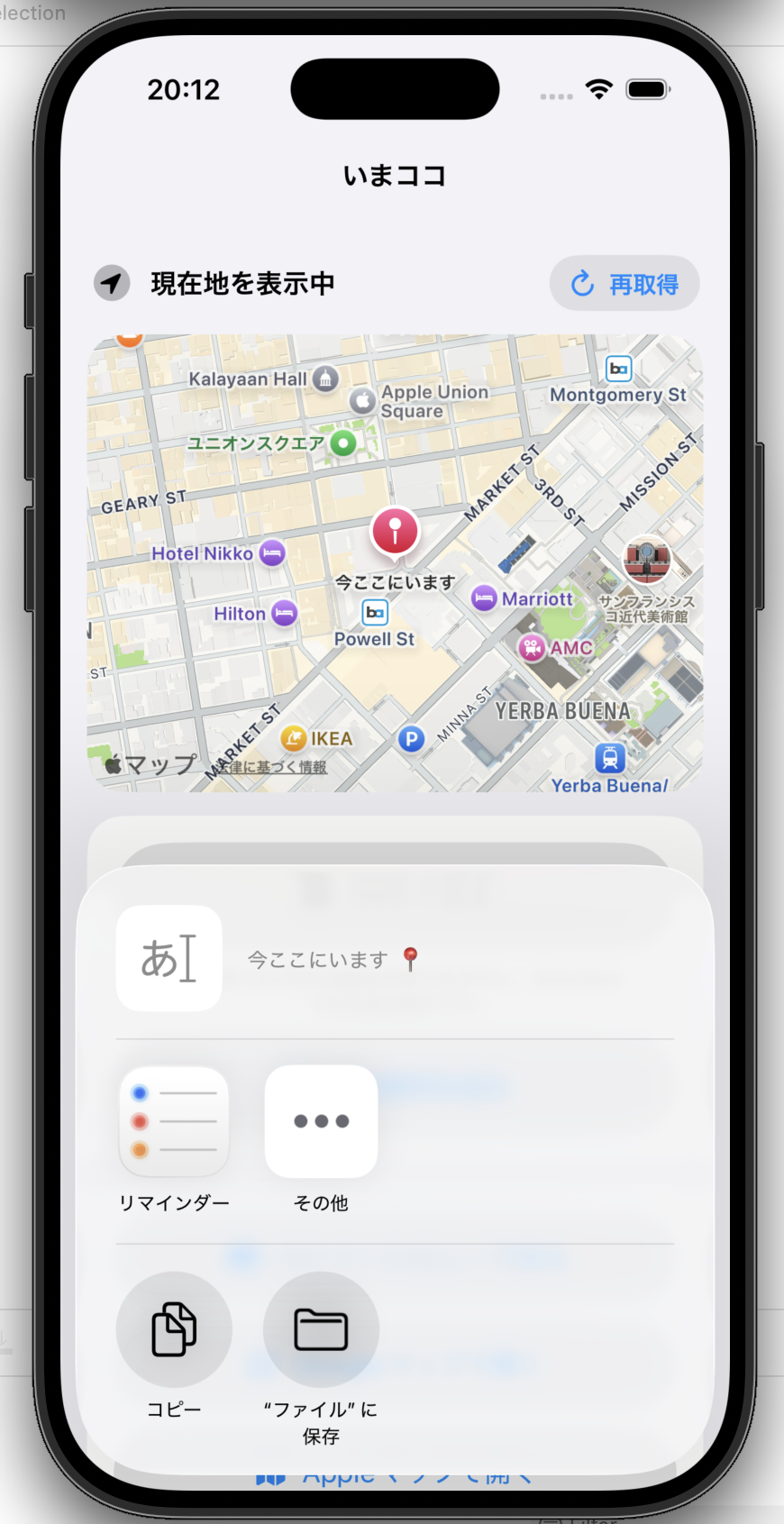 3. Choose where to share
Select the recipient or app you want to use from the standard iOS share sheet.
3. Choose where to share
Select the recipient or app you want to use from the standard iOS share sheet.
More You Can Do
FAQ
My location does not appear
Make sure Location Services are enabled on your iPhone and that ImaKoko has permission to access your location. You can change this permission in iPhone Settings.
The SMS button is unavailable
SMS and message composition require a real iPhone capable of sending messages. Some environments, including Simulator, cannot use this feature.
How does Google Maps open?
If the Google Maps app is available, ImaKoko prioritizes opening the app. Otherwise, the web version may be used.
Street View is not available at some locations
Street View availability depends on the location and on Google’s coverage. It may not be available everywhere.
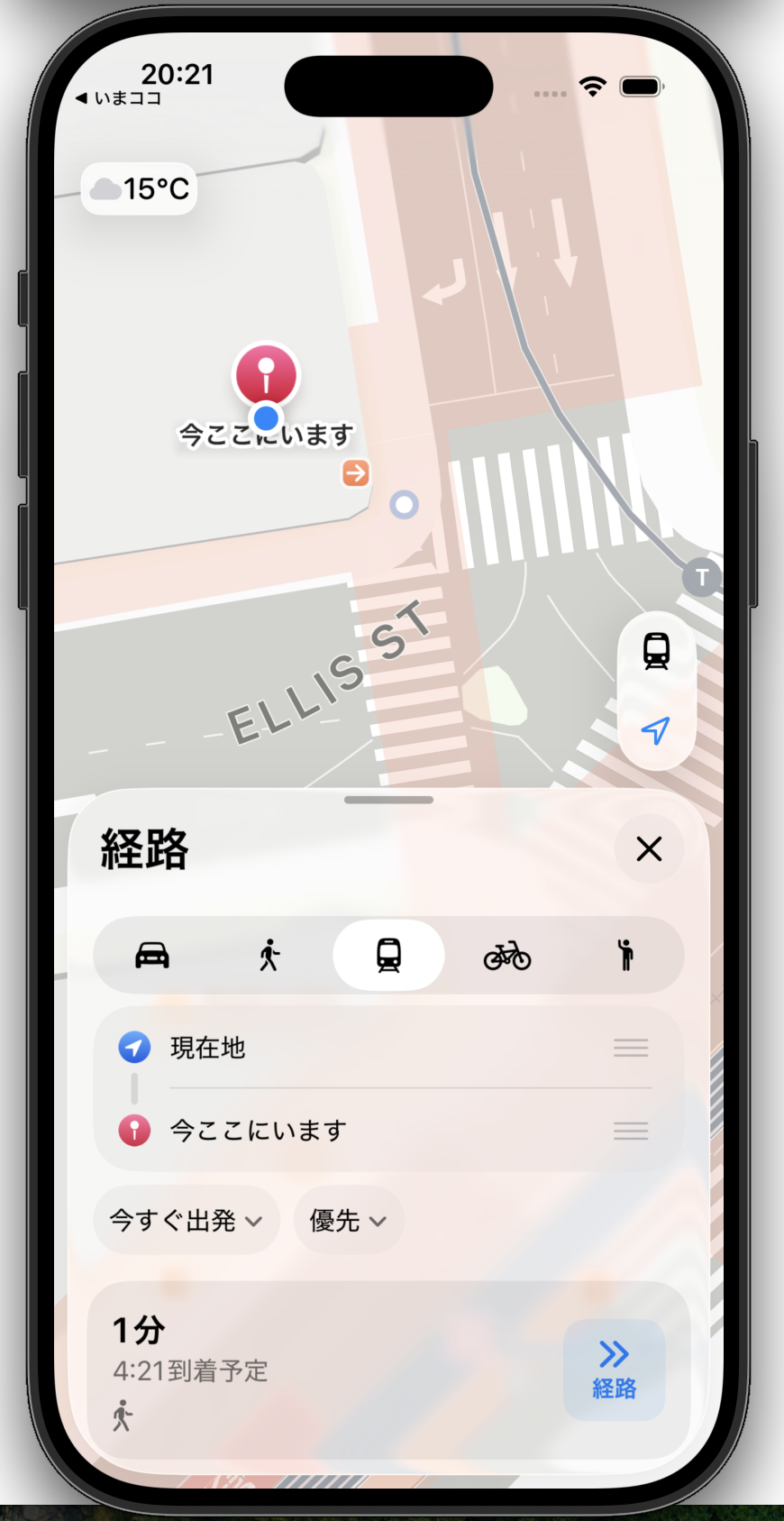
Can I open the location in Apple Maps?
Yes. Use “Open in Apple Maps” to pass the current location to Apple Maps.
Does the app track my location continuously?
No. ImaKoko accesses your location when you tap the location button and does not continuously track it in the background.
Does the app save my location history?
No. The app does not save an in-app location history and does not send or store your location on servers controlled by the app operator.
Contact
Developer / Operator: Hiroko Konishi, OFFICE SQUIRREL LIMITED LIABILITY CO.
Support email: support@hirokokonishi.com